

By David Miguel on Nov 9, 2026

Quick links
- Key takeaways
- What is a martech stack?
- 1. The foundation
- 2. The engine
- 3. The experience
- 4. The intelligence
- Example martech stacks by business stage
- Why your stack needs a philosophy
- How to build your martech stack
- 30/60/90-day rollout plan
- The non-negotiable stack integrations
- How to measure stack performance
- Future-proofing your investment
- Conclusion
- Frequently asked questions
Key takeaways
- A useful martech stack starts with outcomes and customer journeys, not a shopping list of platforms.
- For many small and mid-sized businesses, the essentials are a CRM, website/CMS, email or marketing automation, analytics and reliable integrations. A CDP or data warehouse is not automatically required.
- Build around four layers: the foundation (data and core systems), engine (automation), experience (customer touchpoints) and intelligence (measurement and decisions).
- Prioritise the connections that matter: website/forms to CRM, CRM to email/automation, and marketing and sales data to reporting.
- Choose a platform based on your team’s capability, integration needs and total cost of ownership, not the length of its feature list.
- Measure stack health through adoption, efficiency and commercial impact; review tools quarterly and make deeper decisions annually.
If we were building a martech stack from scratch tomorrow, we would start with fewer tools, not more. The goal would be to connect customer data, campaign execution and reporting without creating a system that needs constant maintenance.
That sounds simple, but it is easy to end up with overlapping subscriptions, disconnected data and manual workarounds. Here is how we would choose the essential layers, decide what can wait and measure whether the stack is earning its keep.
What is a martech stack?

A martech stack is the collection of software a business uses to attract, convert, serve and retain customers, and to measure how those activities perform. It can include a CRM, website CMS, email and automation tools, advertising platforms, analytics and specialist applications.
A good stack is not necessarily a single platform. It is a set of systems that share the right information at the right time. A lead captured on your website should reach the CRM, trigger the appropriate follow-up and appear in reporting without someone exporting a spreadsheet.
The right mix depends on your business. An ecommerce brand needs reliable product, purchase and retention data. A B2B service business may care more about enquiry quality, pipeline stages and sales follow-up. Both need clear ownership of data and a way to measure outcomes.
A well-designed stack should be useful today and adaptable tomorrow. Review it regularly for duplicated functions, poor adoption, fragile integrations and unnecessary costs.
1. The foundation
Start with the systems that hold customer information and power your main channels: usually a CRM, website/CMS, email or lifecycle marketing, and analytics. These are the foundations for lead capture, customer communications and measurement. The trade-offs in HubSpot vs MailerLite show why an integrated suite is not always the right answer for every business.

Do you need a CDP or data warehouse? Not necessarily. For many smaller businesses, clean CRM records, consistent tracking and native integrations are enough to begin with. Add a customer data platform (CDP) when you need to unify and activate customer profiles across several systems. Consider a warehouse when reporting, modelling or data volumes outgrow what your existing platforms can handle. These tools solve different problems and should not be treated as compulsory purchases.
When comparing foundational tools, look at the quality of their integrations, data export options, usability, security and total cost, including setup, maintenance and training. A lower subscription price is not a saving if your team spends hours repairing data every week.
2. The engine

The engine connects events to action. Marketing automation and workflow tools can route leads, send onboarding messages, manage nurturing and update records based on customer behaviour. Start with a few reliable workflows before building elaborate journeys.
If you are not sure where to start, our guide to manual marketing tasks worth automating provides a useful shortlist.
For example, a form submission might create or update a CRM contact, notify the right salesperson and send a relevant follow-up. The value is not automation for its own sake. It is a faster, more consistent customer experience with less manual work.
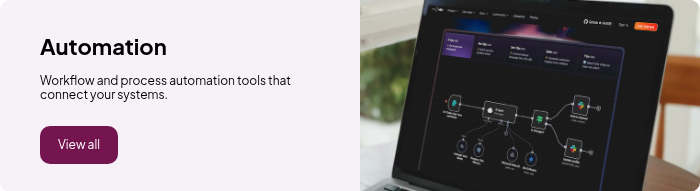
When choosing an automation platform, test the actual workflow: Can it read the right CRM fields, handle consent and suppression rules, avoid duplicates and report what happened? That is the starting point for choosing a marketing automation platform without wasting money.
3. The experience
The experience layer covers what customers see and interact with: website content, email, chat, messaging, personalisation and customer support. Add tools here only when they solve a specific customer-journey problem, such as answering common questions or making onboarding more relevant.
Personalisation works best when the underlying data is trustworthy. Start with straightforward segmentation, such as sending different onboarding emails to new customers and existing accounts, before investing in real-time personalisation technology.
Usability matters. A system that requires a developer for every campaign change can slow a marketing team down. Prefer tools that the people responsible for campaigns can operate confidently, with appropriate permissions and controls.
Map the customer journey first, then choose the touchpoints where better technology would make a measurable difference. Not every business needs an advanced digital experience platform.
4. The intelligence
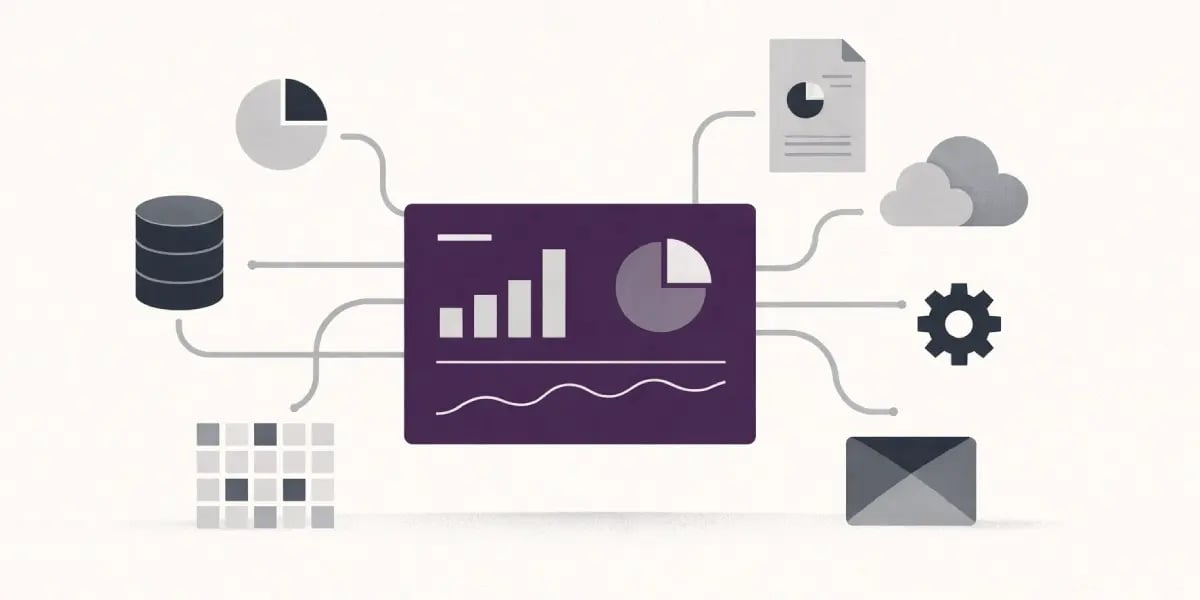
The intelligence layer helps you decide what to do next. Begin with website analytics, CRM pipeline reporting and campaign results. Add dashboards, customer feedback or product analytics where they answer questions your current reporting cannot. Our guide to data analytics tools for business covers some of the options.
Agree on definitions for leads, qualified opportunities, revenue and attribution before combining dashboards. Marketing, sales and finance need to understand where numbers come from, even when their reports serve different purposes.
AI can help with forecasting, lead scoring and identifying patterns, but only when the underlying data and review processes are sound. Predictive outputs should be tested against real outcomes rather than treated as facts.
For every reporting or AI tool, document the business decision it supports, its owner and how you will know whether it is useful.
Example martech stacks by business stage
There is no single “best” stack, but these examples show what we would prioritise before adding specialist software. The named platforms are illustrations, not universal recommendations.
| Business | Practical starting stack | Add when the need is proven |
|---|---|---|
| Small service business | Website/CMS, CRM, email platform, GA4 and Google Search Console. Example: WordPress + HubSpot CRM + MailerLite. | Scheduling, review management, simple workflow automation or call tracking. |
| Growing B2B business | CRM with sales pipeline, CMS, marketing automation, analytics and shared reporting. Example: HubSpot or Salesforce-based core, depending on requirements. | Advanced lead scoring, enrichment, webinar tools, BI or data warehouse if data complexity warrants it. |
| Ecommerce brand | Commerce platform, email/SMS lifecycle tool, analytics, consent management and customer support. Example: Shopify + Klaviyo + GA4. | Loyalty, reviews, advanced personalisation, experimentation and a CDP when cross-channel identity becomes difficult. |
Selection rule: choose the simplest setup that reliably supports your most important journeys. Upgrade only when you can describe the missing capability, its owner and the business value of solving it.
Why your stack needs a philosophy
Without a clear set of principles, a martech stack tends to grow one subscription at a time. Teams buy tools to solve immediate frustrations, then discover that several platforms do similar jobs and none shares data reliably.
An easy, explicit philosophy keeps your choices disciplined and centers on integration quality, clean user experience, and measurable impact on the customer journey. A stack philosophy begins with principles and goals, not functions. You define what matters most: for example, “single customer view over channel-specific hacks,” or “fewer tools, better integration, higher adoption.”
From there, you filter every tool decision through a few hard questions:
- Does this integrate cleanly into our core platforms?
- Can our teams really use it day to day without friction?
- Will it clearly improve how customers experience us?
You fit every martech decision to your business model and customer expectations. A high-touch onboarding subscription SaaS company requires different capabilities than a product recommendation-driven ecommerce brand. If your model is based on long-term contracts, you care about lifecycle automation, CRM depth, and CS tooling.
For example, a business that relies on organic search may prioritise its CMS, SEO tools and conversion tracking. A sales-led B2B company may put more weight on CRM quality, lead routing and pipeline reporting. Spend where the customer journey and business model justify it.
There is no universal winner in the suite-versus-specialist debate. An integrated platform can reduce setup and administration; specialist tools can offer deeper capabilities. A sensible middle ground is a small set of dependable core systems with selected specialist tools where they add clear value.
How to build your martech stack

Build backwards from business outcomes and the customer journey. Document what each tool must do, what information it needs and who will own it. A simple diagram of the data flows is often more useful than a long feature comparison.
Define outcomes
Begin with consensus on what success looks like over the next 12 to 24 months. Decide on a small set of measurable outcomes before you open a single vendor website: revenue by channel, pipeline contribution, customer lifetime value, churn rate, and cost per acquisition.
Be clear about goals and timelines, or your stack will devolve into a stack of “nice” tools that don’t shift the numbers. Tie those outcomes to KPIs across the full marketing lifecycle: awareness (reach, impressions, share of voice), consideration (site engagement, content consumption, lead quality), conversion (demo requests, win rate, sales cycle length), and retention (renewals, product adoption, NPS).
For many teams, the starting point is a CRM, CMS, email or marketing automation, analytics and reliable lead capture. More advanced data infrastructure, personalisation or orchestration should follow a proven need, not precede it.
- Core use case: Nurture new leads in the first 14 days.
- Required capabilities (automation, segmentation, personalization depth)
- Data inputs and outputs include what it must consume and send, and in which format.
- Owners and needed skills (who operates it, what skills are lacking)
- Impact link (what KPI it affects and how you measure it)
Map journeys
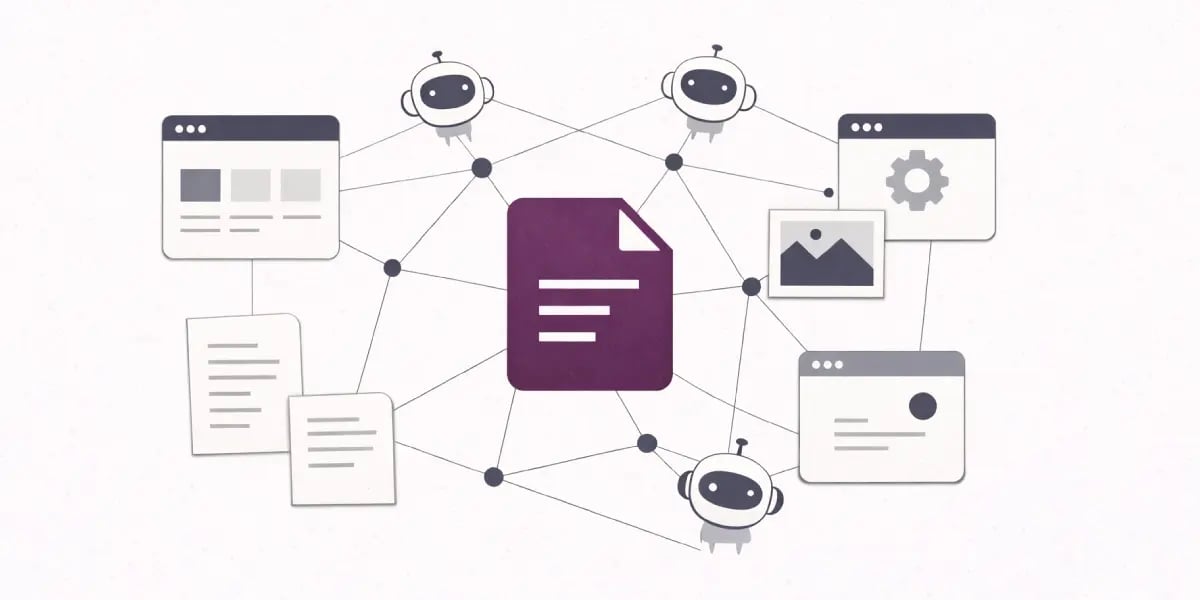
Map your customer journey from first touch through to renewal and expansion. Include real steps: search query, ad click, first site visit, content downloads, trial signup, onboarding, support interaction, advocacy.
That makes clear which moments really count and where technology can be helpful or frictional. Match tools to each phase. For awareness and consideration, consider a CMS, an SEO platform, and ad tools that integrate with analytics.
For conversion, consider a CRM, forms, routing, and sales engagement. For onboarding and retention, concentrate on product analytics, in-app messaging, and customer success tools. Every tool should enable a specified touchpoint and not live in a vacuum.
Use the journey to expose gaps and overlaps. You may find three different survey tools or that you have no way to connect email engagement data to your CRM opportunities. This is where you bring together operations, integrations, and personalization.
Audit tools
Before buying anything, audit what marketing, sales and customer service already use, including subscriptions purchased by individual teams. Record cost, owner, use case, adoption and integration health.
Look for duplicated functions, underused licences and tools that require manual exports. Asking how many marketing tools a business really needs can make consolidation decisions easier.
Evaluate each tool across three functional areas: operations (does it make execution faster and more reliable?), integrations (does it connect well with your CRM, CMS, analytics, and data sources?), and personalization (can it help you serve more relevant experiences at scale?).
If it comes up short on all three, it is a good candidate for retirement. Summarize findings clearly:
Select partners
When you get to selection, treat vendors as long-term partners, not feature checklists. Evaluate product fit versus your must-have use cases, your operating model, and your expertise.
A powerful platform is poor value if the team cannot use it. Compare an integrated suite with a smaller collection of specialist tools, factoring in setup, training and ongoing maintenance. For smaller teams, all-in-one marketing tools are worth considering alongside specialist options.
Then fill in specialist applications for obvious gaps where they can demonstrate a measurable impact on customer experience. Don’t create a stack of disparate point solutions, even if they’re each impressive in isolation.
Build a shortlist with explicit criteria: fit to your journey map, integration depth with your anchors, security and compliance, total cost of ownership, and quality of onboarding and support.
Engage marketing, sales, customer success, and operations in final decisions so you mitigate the risk of misalignment and maximize adoption. The right stack for you won’t be a copy-paste of another company. It will be an expression of your strategy, your constraints, and your talent.
A practical 30/60/90-day rollout plan
Days 1–30: audit and decide
- Agree on three to five business outcomes and the journeys that drive them.
- Inventory tools, owners, licences, costs and integrations.
- Identify duplicated functions, missing data and the highest-friction manual processes.
- Choose the core platforms and define which system owns each customer field.
Days 31–60: connect and test
- Connect website forms, CRM, email/automation and analytics.
- Clean critical fields, consent records and duplicate contacts.
- Launch two or three high-value workflows, such as enquiry routing and customer onboarding.
- Test records end-to-end and document what happens when an integration fails.
Days 61–90: measure and improve
- Build a simple dashboard for lead quality, pipeline, conversion and retention as relevant.
- Train owners and measure active use.
- Review workflow failures, manual effort and campaign performance.
- Retire redundant tools and create a quarterly review schedule.
For an established business, this is a prioritisation sequence, not a promise that every migration can be completed in 90 days. Complex integrations, procurement and data cleanup may take longer.
The non-negotiable stack integrations
The most important integrations are the ones that connect lead capture, customer records, communications and measurement. Start with the data flows your business actually needs, rather than connecting every tool to every other tool.
For a lead-generation business, a practical baseline is: website forms send consent-aware contact data to the CRM; CRM lifecycle changes trigger appropriate automation; and campaign and pipeline data can be compared in reporting. Ecommerce businesses will also need reliable order, product and customer data flows.
Without agreed identifiers and field definitions, the same customer can appear differently across systems. Define how contacts are matched, which system owns each field and how duplicates are handled. Before replacing the CRM, consider whether your CRM process is the real problem.
Not every integration needs to be real time. A sales enquiry may need to reach the CRM within minutes, while a weekly financial reconciliation may be perfectly adequate. Set an acceptable delay for each workflow and monitor failures.
- Live campaign tracking from click to revenue
- Behaviour-based automation (for example, abandon cart, trial activation, onboarding progress)
- Real-time content and offers based on current customer status, not last week’s export.
A simple integration checklist helps keep you honest: ensure that all tools align with your marketing technology needs and objectives.
- Does this tool natively integrate with your CRM, CMS, email and analytics?
- Does it fortify one of the six layers (data, CRM, automation, content, analytics, personalization) without replicating another tool?
- Can it support full‑funnel reporting, not just channel‑level metrics?
- Is every required integration documented, tested, and monitored?
- Do you use the tool weekly? If not, why is it still in the stack?
- Does the vendor have a robust partner ecosystem and certified implementation partners you can rely on instead of trial and error?
When you look at stability and long-term viability, four components decide whether your stack will hold up: the quality of your shared data model, the strength of your core integrations, the maturity of your automation, and the usability of your tools.
How to measure stack performance

Performance measurement starts with a simple rule: every tool in your martech stack should earn its place. You do that by looking at three dimensions together: adoption, efficiency, and impact against clear goals and KPIs that tie back to revenue, pipeline, and customer experience.
Start with consistent definitions and dependable data collection. A dashboard is only as useful as the records feeding it, so check source quality before investing in more reporting software.
Feed them with CRM, marketing automation, CMS, analytics, and support data. Standardize naming, tagging, and data schemas so you can compare tools on the same basis and run multi-touch attribution across journeys. Then conduct quarterly stack reviews, looking tool-by-tool at performance, retire low-value platforms, and focus on those showing clear integration strength, clean UX, and measurable lift in CX indicators, such as speed, relevance, and satisfaction.
Adoption metrics
Adoption tells you whether the people who need a tool actually use it. Track active users, the workflows they run and the capabilities that matter to the business, not just the number of licences purchased.
Track training completion by role (e.g. Campaign managers, ops, content teams) and connect to active usage. A platform with a high license count but few monthly active users or shallow feature usage is a red flag, even if people say nice things about it. Look beyond logins: track workflows built, campaigns published, and reports created.
Onboarding speed and time-to-value are extremely important for new tools. To measure stack performance, measure the time from contract signature to first campaign launch or first automation executed. A nice clean UX and powerful integration ecosystem ought to reduce this ramp considerably.
If time-to-value is longer than expected, investigate whether the blocker is training, implementation, data quality or the product itself before buying something else.
Efficiency metrics
Efficiency measures how much friction your stack eliminates from daily marketing work. Monitor process automation levels, which is the percentage of leads routed automatically, campaign build and deployment speeds, and the decrease in manual data extraction or spreadsheet work.
Track practical signs of efficiency: fewer manual exports, shorter campaign build times, fewer failed syncs and less rework. Measure the change rather than assuming an integration has saved time.
Estimate hours saved from automation, but distinguish time released for higher-value work from actual cash savings. If a workflow saves 40 hours per month, that is a productivity benefit; it only becomes a salary saving if costs genuinely fall.
Compare license costs to those gains, and be frank about underutilized modules. Integration health is a key efficiency indicator. Track sync success ratios and latency between systems and how many “orphan” records never make it from one platform to another.
Data normalization and consistent tagging across tools makes this much easier to track and debug. A fast website is critical here: use performance monitoring to see how your CMS, tag manager, and analytics scripts affect load times. Your stack should enable speed, not slow it down.
Impact metrics
Impact metrics illustrate if your stack shifts the numbers that count. Start with core marketing outcomes: lead volume and quality, conversion rates through each funnel stage, customer retention, and lifetime value. Tie these to specific stack components where possible: for instance, improved personalization from your CDP should correlate with higher email click-through and on-site conversion, not just better experiences in theory.
Attribution can help compare channels, but no model perfectly captures every influence on a purchase. Use it alongside CRM outcomes, experiments and commercial trends rather than treating attributed revenue as a precise measure of a tool’s contribution.
Be cautious about assigning revenue gains to a single tool. Better outcomes may also reflect stronger offers, creative, sales follow-up or market conditions. Where possible, test changes rather than relying on correlations alone.
Track engagement, such as time on site, content depth, and repeat visits, satisfaction, and NPS where available. A speedier site, boosted by a properly tuned CMS, performance monitoring, and lightweight tag infrastructure, ought to decrease bounces and increase conversion.
If new tools make the site slow or introduce non-uniform experiences, that’s a direct hit to stack performance. Apply impact metrics in your stack audits, which should be conducted at least once a year with lighter quarterly reviews. Contrast tools on impact to revenue, customer health and journey quality.
Future-proofing your investment

Future-proofing your martech stack means planning for flux, not constancy. You want tools that keep up with evolving channels, data privacy regulations, and customer preferences without requiring you to do a complete rebuild every two to three years.
A modular approach can make it easier to replace specialist tools without rebuilding the entire stack, provided your data contracts and integrations are documented. But modularity also creates maintenance work, so choose it deliberately.
At least once a year, run a structured review of your platforms, integrations, costs and changing requirements:
- Which tools are actually used?
- Where is adoption weak?
- Where do teams export to spreadsheets because integrations fail?
These reviews tend to uncover both unused licenses and redundant tools. Retiring them allows you to cut your costs and re-invest in higher impact areas like advanced analytics or journey orchestration. It leaves room to try out new features like AI-driven content recommendations or predictive lead scoring without bloat.
Include data ownership, security, consent, AI use and tool retirement in your roadmap. A practical AI governance framework for business helps clarify responsibility as AI features become more embedded in your stack.
Conclusion
Your martech stack isn’t a list of tools. It’s a component of the way you compete, learn, and scale.
A defined philosophy provides guardrails. It keeps your stack focused on a few things that really move the numbers: better data, smoother journeys, and faster execution across teams.
As you refine your stack, keep coming back to four questions:
- Does every tool enable a specific customer or revenue outcome?
- Does your data flow cleanly between systems?
- Can your team really utilize what you’re buying?
- Are you configured to evolve over the next two to three years, not just the next quarter?
You don’t need a perfect stack. You need a purpose-driven one that you can manage, measure, and optimize.
Frequently asked questions
What is a martech stack?
A martech stack is the collection of software and platforms you leverage to plan, execute, monitor, and improve your marketing. It typically consists of data, automation, content, email, social, and analytics tooling, all with an orchestrated strategy.
Why does my martech stack need a clear philosophy?
A defined philosophy keeps your marketing technology stack centered on your business objectives, not on glinting tools. It guides you to select, integrate, and use martech applications intentionally, so you sidestep waste, minimize complexity, and extract measurable impact from every tool you invest in.
How do I start building a martech stack from scratch?
Begin with your marketing strategy and customer journey, not with tools from your martech stack. Map key stages, define what you must measure, then pick the few marketing tech tools that solve those core needs, ensuring they align with your marketing goals.
Which martech integrations are absolutely essential?
You need close links between your CRM, marketing automation, website analytics, and advertising platforms to create a successful martech stack. These integrations allow you to track leads from start to finish, personalize campaigns, and identify which marketing channels and messages actually produce pipeline and revenue.
How can I measure if my martech stack is performing well?
Business outcomes, not vanity metrics, should drive your marketing technology stack. Measure the impact on pipeline, revenue, customer lifetime value, and acquisition cost while evaluating your martech tools for their contribution to campaign success and data integrity.
How often should I audit my martech stack?
Run a light review of your marketing tech stack every quarter and a deep audit at least annually. Assess adoption, redundancy, costs, data flows, and business impact to streamline your martech applications and cut underutilized tools.
How do I future-proof my martech investment?
Select open API, best-in-class integration ecosystem, and proven vendors to create a successful martech stack. Prioritize adaptability, pristine data models, and unambiguous management tools to ensure your marketing technology solutions align with your strategy and customer needs.

The essential marketing technology stack for professional services
The best marketing software stack for professional services firms. Generate qualified leads, automate follow-up and track pipeline and revenue.

The lean marketing tech stack each trade business should adopt in 2026
The simple 2026 marketing tech stack every trade business needs to generate more leads, automate follow-ups, and win more jobs.

7 essential starter website builders and platforms for beginners
Starter website builders designed for beginners, making it easy to create your online presence today.