

By David Miguel on May 31, 2026
Key takeaways
- With Canva, small business marketing tools you’re able to create professional visuals in minutes. This means you can maintain your brand across social, email, and print - all without a designer. Begin by setting your brand colors, fonts, and templates so that each new asset aligns with your identity.
- You can improve your email marketing with Mailchimp by automating sequences and segmenting your audience for more engagement. Start with one welcome series and one simple customer re-engagement flow. Then optimize using performance reports.
- Keep your social presence on track with Hootsuite or Buffer. Schedule your posts and see what works best. Pick one, set a schedule to post once a week, and use the analytics to focus on the formats and times that generate the most engagement.
- Make smarter marketing decisions with Google Analytics, tracking where visitors come from and what they do on your site. Set up a few core goals, like form submissions or purchases, and check in on them once a week to see what channels warrant additional budget.
- With SEMrush, you can enhance your search engine presence by conducting keyword research, performing site audits, and monitoring rankings over time. Begin with a simple site audit, address the most damaging SEO problems, and then create content around keywords your perfect customers really search for.
- Trello and HubSpot: Keep your marketing small business organized and scalable with Trello and HubSpot. Map out your core campaigns in Trello, track leads and automate follow-ups with HubSpot, and periodically audit both to keep your marketing machine humming.
Small business marketing tools are hard-working software solutions that help you get in front of more customers, measure performance, and automate campaigns. You use them for contact management, email, social scheduling, lead capture, and even to know which channels truly drive revenue.
Powerful tools unite data across your stack, so your team ceases to conjecture and begins to score on concrete insight. Below, we walk through options that work for smaller teams and budgets.
1. Canva
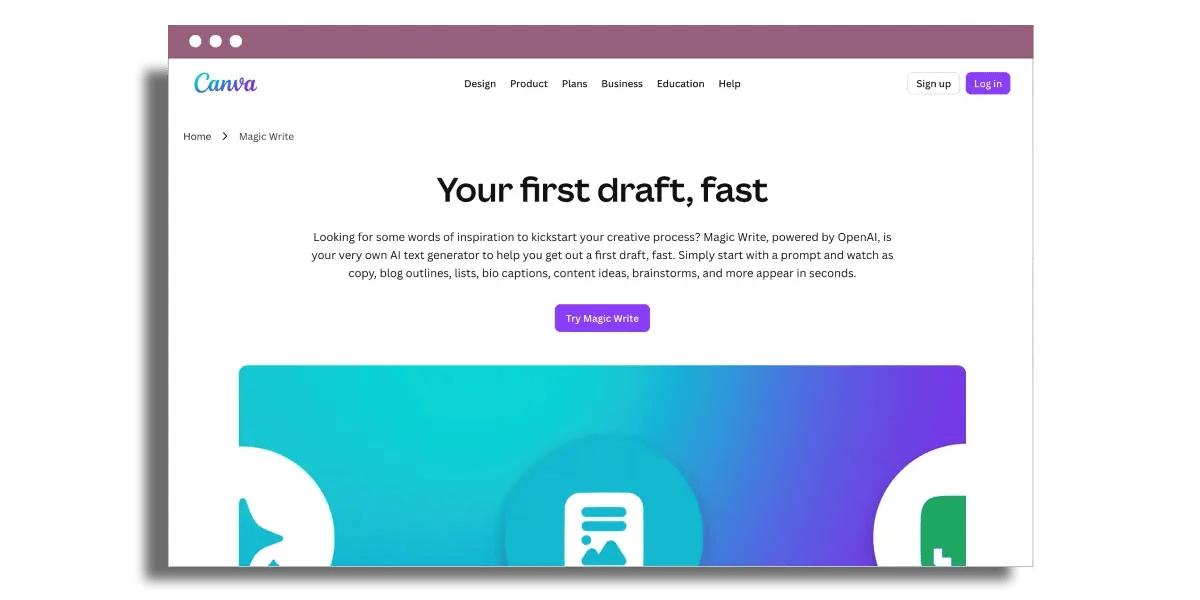
Canva provides you with fast, gorgeous marketing images without the need for a design team. The drag-and-drop editor remains simple and adequate for non-designers, making it an essential marketing tool that is adaptable enough for the best marketing strategies. You can easily drag in shapes, icons, photos, and text blocks, then shift them around with grid snapping and alignment guides.
Text boxes scale as you type, so you don’t battle with spacing. Colors, fonts, and spacing update in real time, which is helpful when you’re A/B testing versions of a social media graphic or brochure header. A basic use case looks like this: you start from a blank A4 brochure, drop in your logo, add a few text sections, then line everything up with guides in a few minutes, not hours.
Template depth is what really secures Canva a place in a small-business stack. You gain access to a staggering catalog of layouts pre-made for various marketing campaigns, including social posts, headers for emails, brochures, flyers, ads, and simple presentations. To customize any template, you can modify text, replace images, shift colors, and refresh typography to suit your marketing content needs.
You’re able to shuffle sections or swap backgrounds, ensuring your design doesn’t feel like every other Canva product. For instance, you can grab a pre-designed IG Story template, swap out the stock product image with your own photo, tweak the background to match your brand color, and trim the headline to align with your brand messaging.
Brand Kits keep work consistent when multiple team members are involved in your marketing efforts. You upload your logo files, color palette, and fonts once, and each new design can then utilize those brand settings with just a click. This is beneficial when your marketing team produces assets for multiple channels while maintaining a cohesive visual identity.
A sales manager can create a promo flyer, while a content marketer can design a newsletter header, and they all end up using the same colors and fonts. Collaboration happens inside Canva, eliminating lengthy email chains. Your team can comment on a design, tag colleagues, and update text or layouts in real time, streamlining the marketing process.
This feature is particularly handy when you need a CMO to approve some messaging or a founder to revise a headline before launch. Designs export in formats your marketing software already needs: PNG or JPG for social, MP4 for short video, PDF for print, and more. You can even embed designs right into tools like Mailchimp, which simplifies the transition from content creation into campaign execution.
Canva offers a free plan with additional paid tiers, allowing you to scale up as your asset volume and brand requirements increase. Cohesive branding across channels becomes much easier to manage, making it one of the best online marketing tools available today.
2. Mailchimp

Next, Mailchimp offers you an easy-to-use platform to operate email and simple marketing automation with minimal setup and technical expertise.
To automate campaigns, you receive tools for welcome emails, simple drip sequences, and date-based workflows. Onboarding is warm for novices. Tooltips describe each field, and a guided setup takes you through selecting a template, crafting a subject line, and scheduling send times. For instance, a boutique online retailer might create a three-email welcome series in less than an hour.
Worthy of note, automation remains pretty straightforward. It is fine for simple routes such as ‘new subscriber’ or ‘abandoned cart,’ but it does not compare to the multi-branched journey builders you find in specialized automation platforms.
When it comes to audience segmentation and personalization, Mailchimp addresses the essentials. You can segment contacts based on sign-up source, purchase history, location or engagement and then tailor content and offers to each segment. For example, a local fitness studio can send a single email to high-frequency visitors and a separate reactivation offer to individuals who haven’t visited in 60 days.
The free plan has basic templates and one-step automation, which is sufficient to try out simple segments before you pay for more.
Reporting in Mailchimp is straightforward and easy to access. You can view open rates, click-through rates, unsubscribes, and simple conversion metrics without having to dig through complex dashboards. Over time, you will be able to compare campaigns, find subject lines that generate more opens, and determine which links generate the most clicks.
The subject line helper in the free plan offers suggestions based on best practices, so you can increase performance even if you do not have a strong copywriting background yet.
Mailchimp assists centralizing more than just email. It integrates with more than 300 third-party apps, such as leading ecommerce platforms, CRM tools, and booking systems. You can sync customer data, trigger emails based on purchases, or pull in events from your CRM.
Social media scheduling lives inside the same dashboard, so you can design and schedule posts alongside your email campaigns for consistent messaging. The drag-and-drop email builder supports three options: you can use pre-designed templates, build layouts from scratch, or import your own HTML.
Account setup is under 5 minutes, and pricing scales with your contacts, with paid plans beginning at approximately $26.50 per month for 1,500 contacts.
3. Hootsuite
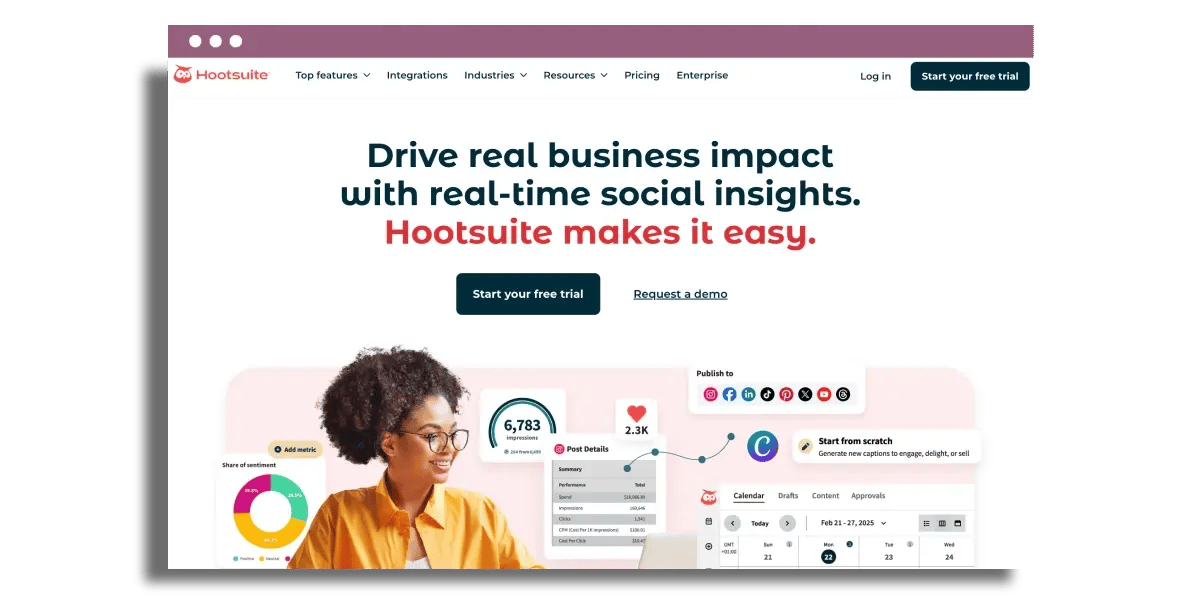
Hootsuite keeps social channels consistent, measurable, and under control from one place. Looking to stay consistent? You can schedule and automate posts across Instagram, Facebook, LinkedIn, and TikTok in one calendar, making it an essential marketing tool for your strategy. Hootsuite supports batch scheduling, allowing you to upload a week or month of content at a time, rather than posting every day.
For instance, you load up a queue of 30 LinkedIn posts, 3 Instagram Reels, and 2 Facebook promotions and let Hootsuite publish at the best time as determined by its analysis of past posts. LinkedIn scheduling is particularly notable, as the native platform still restricts advanced scheduling without a third-party marketing platform.
For performance tracking, Hootsuite pulls social media metrics into clear dashboards. You can view which marketing campaigns drive reach, clicks, and conversions, all without switching between native apps. Built-in analytics enable you to compare a product launch on Instagram, TikTok, and Facebook, all in one glance, enhancing your campaign performance.
After a while, trends become apparent. Perhaps TikTok short video posts generate reach, while LinkedIn link posts drive form fills. You optimize your marketing content plan with data, not hunches. ROI tracking dives deeper than vanity metrics, linking customer interactions from initial contact to conversion.
For a little ecommerce brand, you follow a customer who clicked on a boosted Instagram post, registered for a newsletter, then bought after a retargeting ad. That full path gives you a clearer sense of what actually pays off, so budget decisions become more grounded and informed by key marketing insights.
On the engagement side, Hootsuite Inbox 2.0 consolidates all public and private messages into one inbox. Comments, DMs, and mentions from Instagram, Facebook, X, and LinkedIn all show up together. You can tag, assign, and reply without switching apps, streamlining your customer engagement process.
A tiny team gets shared visibility, so no customer question or complaint lands in a black hole of forgotten notifications. That integrated workflow tends to reduce response times and enable a more consistent tone across all marketing messages. Paid media resides within Hootsuite.
Ads manager pulls your LinkedIn, Instagram, and Facebook ads into a single interface, with Hootsuite Amplify making it easy to improve top-performing posts and shift budget to the channels that convert highest. You get organic and paid performance in one analytics layer, with benchmarks across networks, enhancing your overall marketing efforts.
Hootsuite’s own blog provides fresh tactical advice for social media, so your marketing team stays educated while the platform circles along in the background, ensuring your strategies remain effective.
4. Buffer
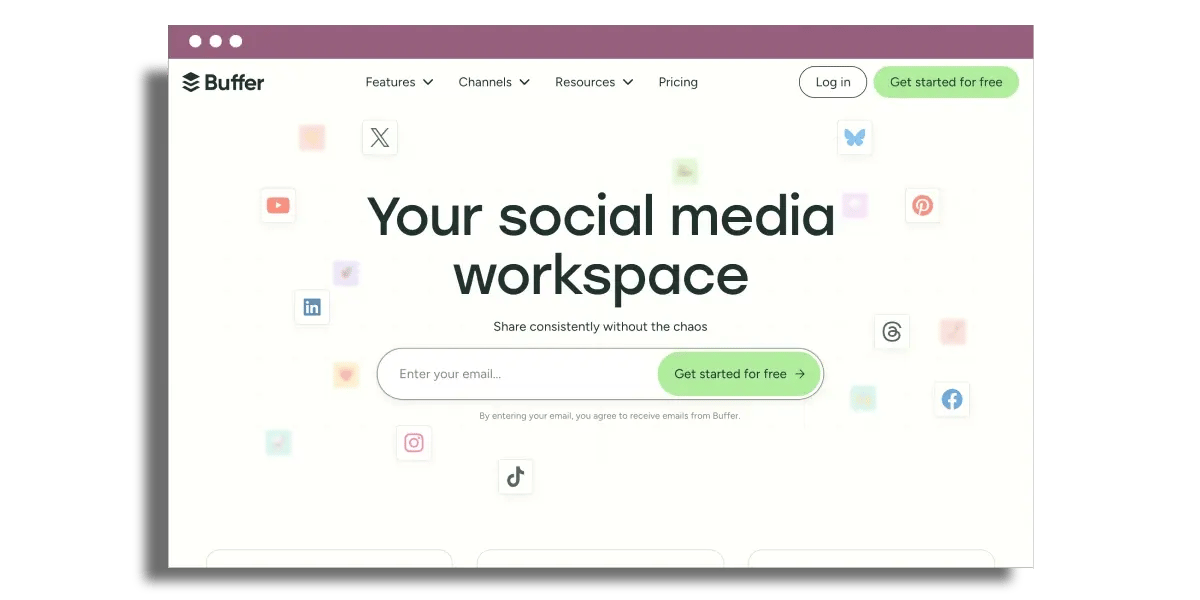
That’s when Buffer swoops in as your social scheduling command center, with a sleek UI and transparent analytics that small teams could really use on a daily basis. This essential marketing tool is designed to enhance your overall marketing strategy.
Begin with timing. Buffer allows you to craft, schedule, and post to Facebook, Instagram, X, LinkedIn, and Pinterest channels through a single marketing platform. You view a visual calendar, drag and drop posts into time slots, and maintain a steady cadence without ever having to log in to each network.
For instance, you can queue up a week's worth of Instagram Reels, LinkedIn thought-leader posts, and Facebook promos in a single 30-minute session. Buffer integrates with Google Calendar, so your social schedule sits alongside your launch dates, webinars, and marketing campaigns. This integration allows you to catch clashes early and keep promotions aligned with the rest of your marketing efforts.
For performance, Buffer provides you with reporting that emphasizes what really works. You monitor reach, clicks, engagement rate, and follower growth per channel, as well as account level. Our top-performing posts are flagged, so you can see that short product tips on LinkedIn generate more leads than generic quotes on Instagram.
Trend views indicate if engagement is trending in the correct direction on a week-to-week basis. That powers decisions such as moving effort to a higher-performing channel or focusing on a particular content format, making it an ideal tool for successful marketing campaigns.
Working together seems easy. You can add team members, roles and permissions, and maintain control without micromanaging. A founder could have approvals, a marketing coordinator writes posts, and a freelancer only sees certain channels. This collaborative approach enhances the effectiveness of your marketing team.
Drafts, comments, and approvals all sit in a single workflow, so feedback doesn’t scatter across email and chat apps. That counts when you deal in multiple products, markets, or languages, ensuring a streamlined marketing process.
AI features in Buffer assist you in advancing more quickly without sacrificing your voice. The tool proposes best posting times from your own audience data, so you don’t have to speculate on mornings versus evenings, making it a valuable marketing automation platform.
AI backs caption ideas and variations, which is great for when you want to turn a LinkedIn post into a shorter X post or a more visual Instagram caption. You’re still in control. The AI presents choices and you make the final decision, enhancing your marketing content.
Buffer’s business itself preaches stability and transparency. Along with their business model, the company has posted its revenues, staff salaries, and key metrics publicly since 2013.
It has around 6,726 monthly active users, 4,016 customers in 15 countries, and approximately $22.6 million in annual recurring revenue. That kind of transparency is uncommon and instills more trust in a long-term partner.
Rates remain reasonable for SMBs. Buffer has entry plans at around $6 a month per channel, with wider plans at around $20 and $39 a month depending on channel volume and features.
There is a free email-only plan for as many as 250 contacts, which can help you test basic audience communication at no additional expense, making it a great option for your email marketing needs.
5. Google Analytics
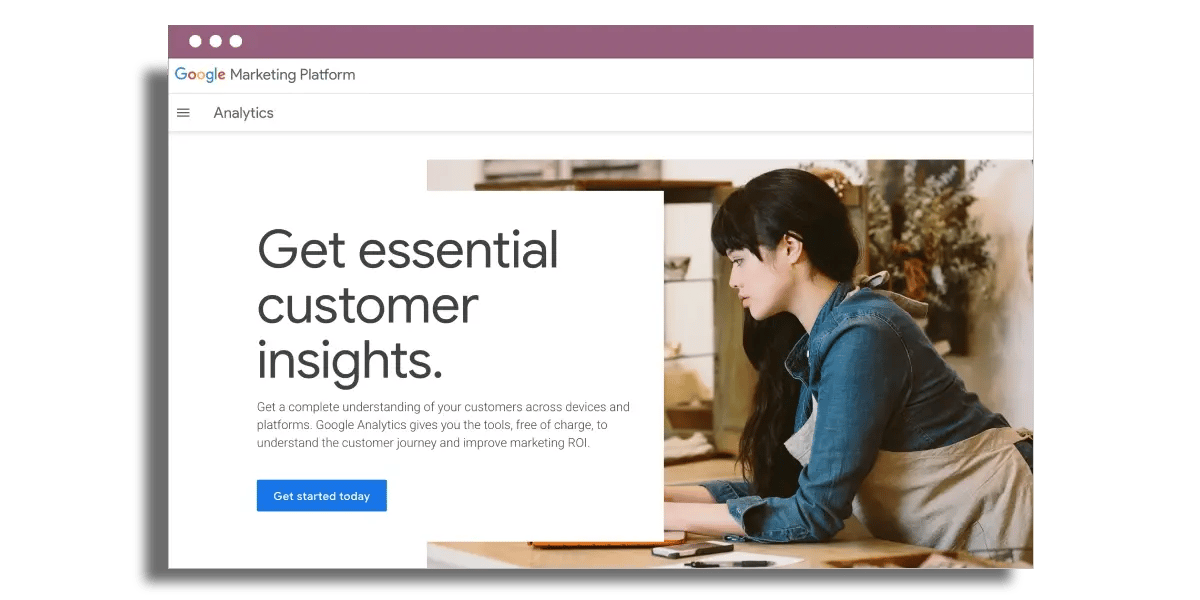
Google Analytics provides you solid insights into who visits your site, what they do, and what marketing drives revenue. You can view website traffic in actionable detail, allowing you to track how a new paid campaign or SEO push impacts traffic over a week or a quarter. This is crucial for optimizing your marketing strategy.
You can see the ebbs and flows in the graphs when we do launches, sales, or newsletter promotions. Bounce rate shows you how many people come to a page and leave after viewing it once, which indicates weak landing pages, slow load times, or poor message match. A simple use case is that you run search ads to a product page, notice a 75% bounce rate, then adjust the headline, layout, or offer, and watch the metric drop.
To measure what really matters, goals and funnels do the heavy lifting. Whether it’s email signups, quote requests, demo bookings, or product purchases, you can set what counts as a conversion for your business. Funnels break down each step of the marketing process, from homepage to category page to product page to checkout to payment. Drop-offs at each step become apparent, allowing for targeted improvements.
For a micro-business pile, connections count. Google Analytics integrates well with Google Ads, Search Console, various email platforms, and common CRM or ecommerce platforms. This integration provides a holistic perspective on digital performance rather than managing multiple standalone dashboards, enhancing your marketing efforts.
Traffic, campaign spend, and conversions tie together, enabling you to see which channels contribute to sales, not just clicks. Year-over-year comparisons let you assess whether your SEO efforts over the past year are effective or if a channel starts to plateau, giving you key marketing insights.
Google Analytics provides real-time analytics for quick decisions. You can see active users on your site, current pages viewed, and active traffic sources. If you launch a new campaign, you can tell within minutes if visitors are landing on the right pages or encountering errors, allowing for immediate adjustments to your email marketing campaigns.
Reporting is quicker as well, with numerous users reducing reporting time by as much as 50 percent due to pre-built views and easy export features. Setup remains simple, with an easy signup and basic tracking code. Over time, this data matures into a concise performance baseline that informs more assured, data-driven decisions for your marketing team.
Ultimately, Google Analytics is an essential marketing tool that empowers businesses to refine their strategies and enhance customer engagement through informed decision-making.
6. SEMrush
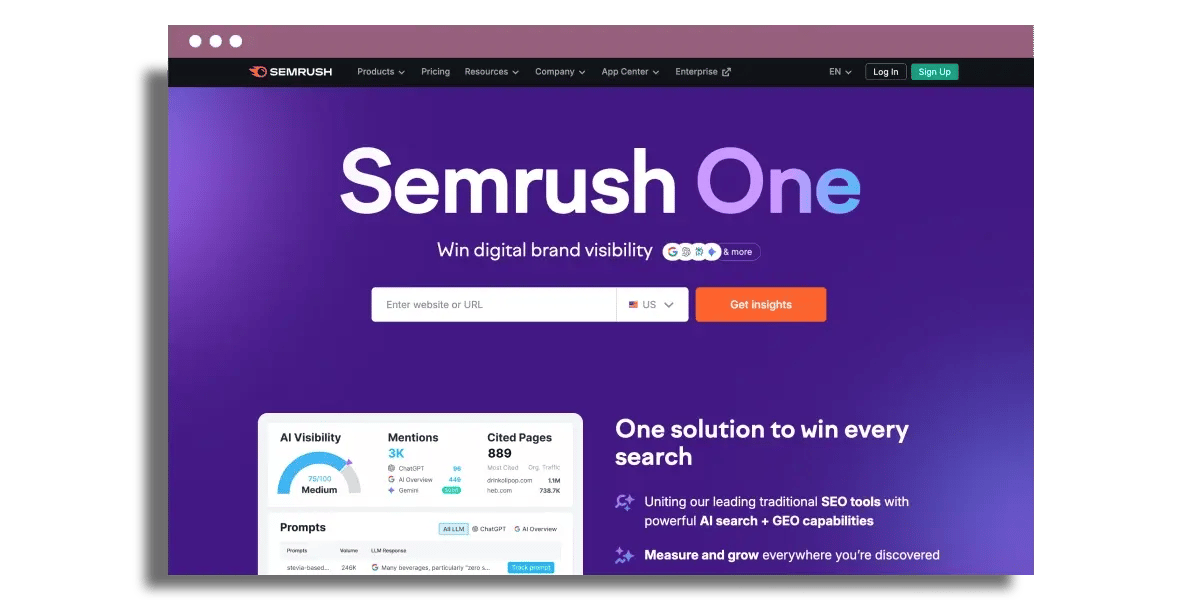
SEMrush provides your small business with a complete SEO and content toolkit that you can take action with.
Competitor analysis is a key feature. Its Keyword Magic Tool allows you to enter a central concept such as “online yoga classes” and view thousands of associated keywords, categorized by theme, with search volume, keyword difficulty, and SERP characteristics displayed prominently. You rapidly understand which keywords are viable for you and which are owned by big brands.
Competitive reports reveal which keywords your competitors already rank for, what pages drive their traffic, and where there are gaps. That knowledge informs a targeted SEO strategy rather than guessing what to write about.
Technical SEO tends to bog down small teams. The Site Audit web app crawls your site and flags tangible issues like broken links, slow pages, missing meta tags, or mobile usability problems. You receive a summary score as well as a ranked list of errors, warnings, and notices.
Every problem comes with a clear-language description and recommended repair, so your developer or freelancer knows what to tackle first. SEMrush allows you to run audits weekly and you see if recent changes improved performance or created new problems.
To keep up with the momentum, Position Tracking tracks your keyword positions, organic traffic patterns, and important SEO statistics as time goes by. Track a core keyword set per project, view rankings by country or device, and which pages are moving up or down.
Backlink tracking shows new and lost links, so you know which partnerships or PR efforts deliver. Reports can sync with tools such as Google Calendar or Trello, so tasks like “update underperforming blog posts” land directly in your workflow.
On content, SEMrush provides planning and AI assistance instead of a blank page. The content marketing tools and AI features assist you in locating topic clusters, constructing briefs, and outlining articles with targeted keywords, heading suggestions, and word count guidelines.
Their 30-day small business SEO action plan, for example, walks you through essentials like setting up a Google Business Profile, selecting keywords, and planning content around actual searches. Integrations with tools like Mailchimp keep blog and email campaigns in sync.
Pricing remains flexible. You get a limited free plan to test things, then paid plans start at $14.99 per month, with Starter at $19.99, Professional at $109 and Team for bigger setups at $349.
If you’re running paid ads, the Advertising Toolkit with AdClarity at $220 per month helps automate and optimize campaigns across channels.
7. Trello
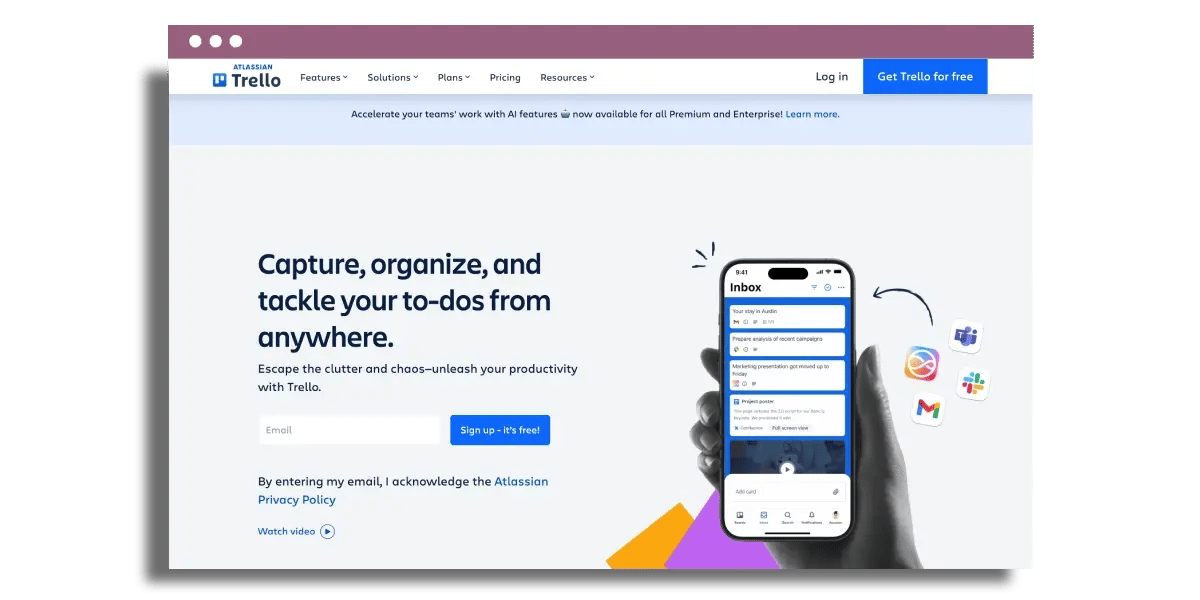
Trello provides you with an easy, visual method for running marketing work without the burden of heavy project management software. Wield boards, lists, and cards to plan out marketing campaigns, channels, and workflows in a fashion your team really comprehends.
One board could span your entire content calendar, with lists such as “Ideas,” “In Draft,” “In Design,” “Scheduled,” and “Live.” Each card becomes a task — for example, ‘Launch February email marketing campaign’ or ‘Update product landing page.’ Cards advance across lists as work moves forward, so you get status at a glance rather than sifting through email threads or spreadsheets.
Cards in Trello remain adaptable to various marketing requirements. You add due dates to keep launches on schedule, attach creative files or briefs, and checklists for micro steps like “write copy,” “design banner,” “set UTM links,” and “QA test.
Labeling cards with color tags like “email,” “paid,” “SEO,” or “priority” provides a fast visual filter. The organization is effective for a three-person team scheduling social posts or a large team running cross-channel marketing campaigns.
Task assignment and deadlines seem simple. Every card has an owner, so accountability remains transparent. Due dates and reminders keep your flow of work on track. For example, content approvals occur ahead of automation capabilities that trigger email marketing efforts.
These overdue cards are out there on the board for anyone to see. Everyone on your team sees exactly where their campaign performance is stuck. Many small teams take Trello as their daily ops view and then supplement it with a reporting tool for metrics.
Collaboration courses through the platform. Trello, for example, really functions as a shared hub where marketing, sales, and even ops can all convene in one spot. Comments on cards capture feedback, questions, and decisions, so context doesn’t get lost across tools.
Price remains minimal, which is a benefit when you’re trying to avoid enterprise project tools but still get some real organization. Integrations and Power-Ups push Trello past simple task tracking. You tie in HubSpot, Mailchimp, Slack, Google Drive, or calendar apps so updates and assets remain synced.
Power-Ups introduce additional functionality like timeline or calendar views, advanced custom fields, or reporting. Many teams construct ineffective workflows and email automation around Trello triggers, which prolong its life before you require more targeted or costly marketing software.
You get a clean visual summary of your entire marketing operation. Boards display what is planned, underway, and achieved, and calendar views expose gaps or overwhelm. As work scales, Trello helps you prioritize what matters most instead of losing work in scattered documents.
8. HubSpot
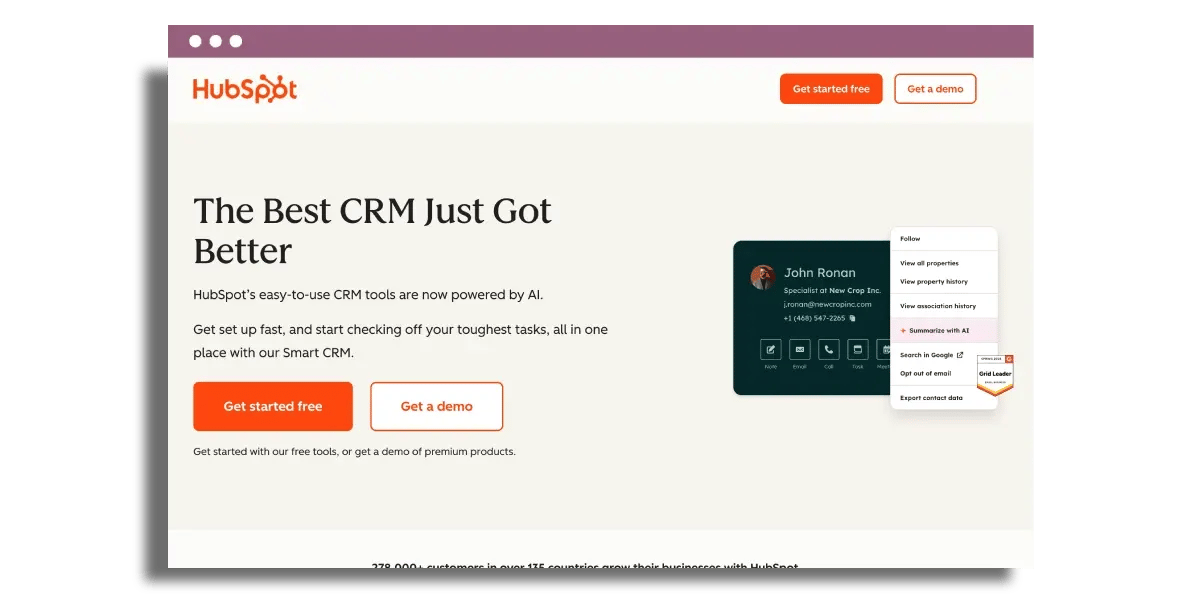
HubSpot provides you with a centralized hub for CRM, marketing automation, and email marketing that genuinely feels integrated rather than pieced together. Centralization begins with the free HubSpot CRM. All your contacts, deals, and customer requests sit in one place, so your marketing team isn’t chasing information across various marketing platforms.
Already on the free plan, you get email campaign automation, lead capture forms and live chat without a credit card. A little B2B agency, for instance, can funnel all website form submissions, chats, and email responses into one timeline per contact. Sales and marketing both view the same history, which minimizes confusion and accelerates response.
Personalized email campaigns are born from segmentations and workflows. You create lists by behavior, lifecycle stage, geography, or any custom field you monitor. Then you tie those lists to automated journeys, enhancing your marketing strategy.

For example, new leads downloading a guide get a three-email onboarding sequence, whereas current customers receive product tips and upsell offers. HubSpot has custom programmable automation with JavaScript, so more sophisticated teams can address edge cases like complex lead routing or territory rules without additional middleware.
AI tools now nestle right in the flow of work. HubSpot’s AI email swipes CRM data to draft personalized email content, then schedules and sends at scale. That cuts down on manual writing tasks but keeps your marketing efforts in the driver’s seat.
You define the logic. AI takes care of the repetition. Analytics and reporting are a particular strength. You have dashboards where all key metrics show up in a single view, and you can share reports with stakeholders in just a few clicks, enhancing campaign performance.
On the professional plan (from approximately $890 per month), you unlock deeper features like search optimization, content personalization and customer agents. On the enterprise plan (starting around $3,600 per month), you track revenue contributions, run A/B tests, and map entire customer journeys across channels.
A small ecommerce brand can find out which email workflows drive real revenue, not just opens. HubSpot functions as the hub of a stack. It integrates with sales and service hubs, the CMS, and more than 1,900 apps in the HubSpot Marketplace.
You link payment tools, webinar platforms, help desks, and more, so data streams through one source of truth instead of multiple disconnected systems.
Final thoughts
Selecting marketing tools as a small business is truly a matter of purchasing your time and eliminating uncertainty. Canva, Mailchimp, Hootsuite, Buffer, Google Analytics, SEMrush, Trello, and HubSpot each address different issues along that path.
You don’t need all the tools on day one. Begin with the holes that sting most. For most small teams, design, email, social scheduling, and elementary analytics make the most potent early impact. Then add in SEO, project management, and CRM as your pipeline and team expand.
The right stack feels light, not burdened. Your tools should assist you in launching campaigns more quickly, know what’s effective, and keep customer data neat. When your software enables smart decisions and dependable execution, your marketing is much easier to scale.
Frequently asked questions
What are the best marketing tools for a small business on a tight budget?
Begin with free or inexpensive plans using essential marketing tools like Canva for design, Mailchimp for email marketing campaigns, Buffer or Hootsuite for social media marketing, and Google Analytics for tracking campaign performance. These marketing platforms provide you with a powerful and inexpensive marketing stack.
How do I choose the right marketing tools for my small business?
Start with your goals: more traffic, more leads, or more sales. Then align essential marketing tools with tasks. For instance, use Mailchimp for email marketing campaigns, SEMrush as an SEO tool, and Google Analytics for tracking campaign performance.
Do I really need both hootsuite or buffer and email tools like mailchimp?
Sure, if you desire a comprehensive marketing solution, using essential marketing tools like Hootsuite or Buffer can help you connect with people effectively. Email marketing tools such as Mailchimp assist you in nurturing leads through personalized email campaigns.
How can google analytics and semrush work together for my small business?
Use Google Analytics to see what is happening on your site: traffic, pages, and conversions. Utilize the Google Keyword Planner for keyword ideas, competitor analysis, and SEO. Together, these online marketing tools help you make intelligent marketing decisions based on data.
Can I manage all my marketing tasks in trello and HubSpot?
Yes, you can effectively manage your marketing campaigns by using Trello to organize tasks, deadlines, and workflows. Additionally, utilize HubSpot as an essential marketing tool for managing contacts, emails, and your sales pipeline.
Is canva enough for creating professional marketing visuals?
For the vast majority of small businesses, yes. Canva serves as an essential marketing tool, allowing you to design social posts, ads, flyers, and presentations with speed. In other words, you can personalize marketing content using templates, your brand colors, and your logo, which is usually enough until you require advanced custom design.
How do I know if these tools are actually helping my business grow?
Establish clear benchmarks before you begin your marketing strategy. Monitor web traffic, email sign-ups, leads, and sales with Google Analytics and the right marketing automation platform. Compare results each month to gauge the effectiveness of your marketing efforts.
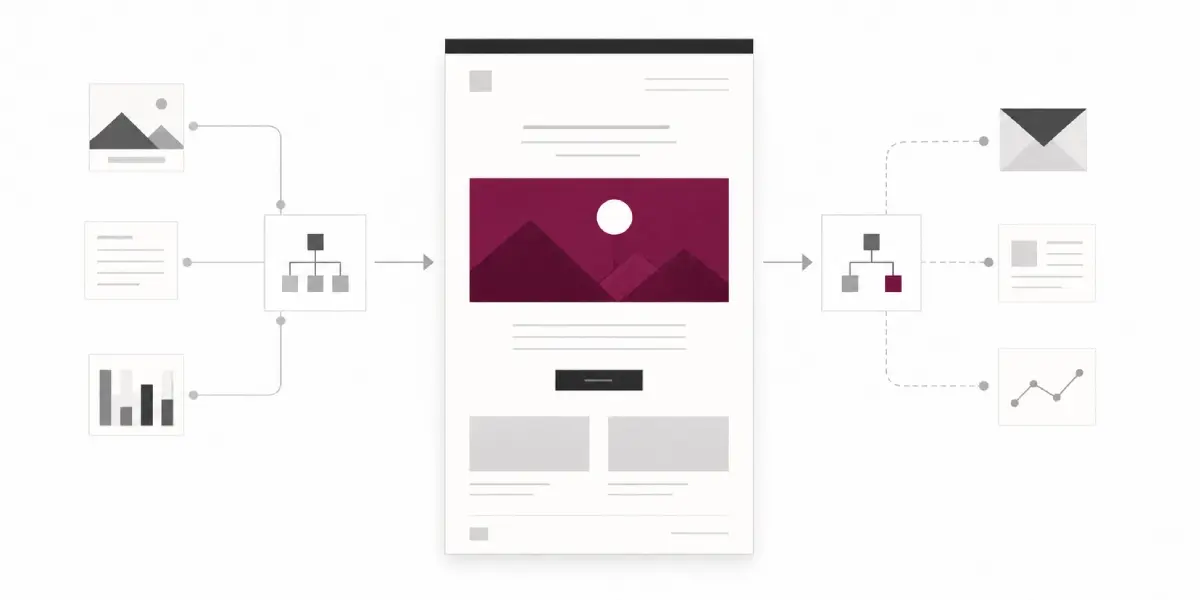
Maximize your results with these powerful email marketing automation tools
Top email marketing automation tools designed to increase engagement and streamline your campaigns for maximum impact.
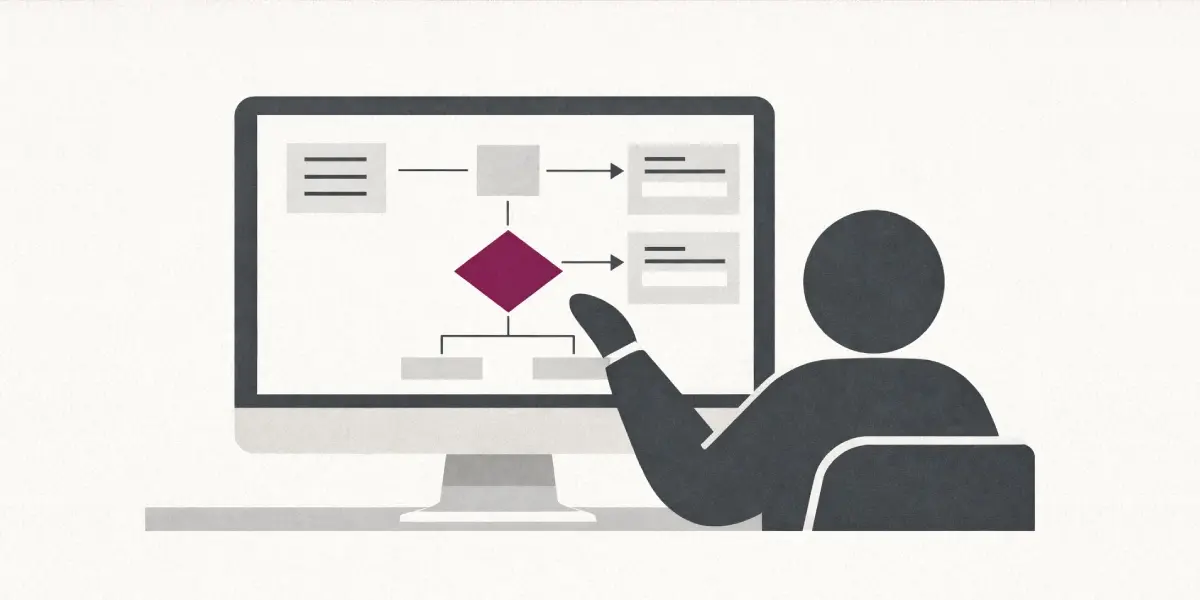
6 web based form builders I've tried and tested
The top 12 web based form builders I've tried in 2026, designed to simplify your form creation with user-friendly features.

Social media lead generations tools to be using in 2026
Find out how to maximize social media marketing for lead generation in 2026 with essential tools and strategies to accelerate your growth.